Launch a real endpoint
Harbor starts an embedded Rust HTTP server on loopback by default. Switch to LAN access only when your test devices need it.
Spin up a private S3-compatible endpoint, create buckets, manage objects, rotate access keys, and expire test data without Docker or cloud accounts.
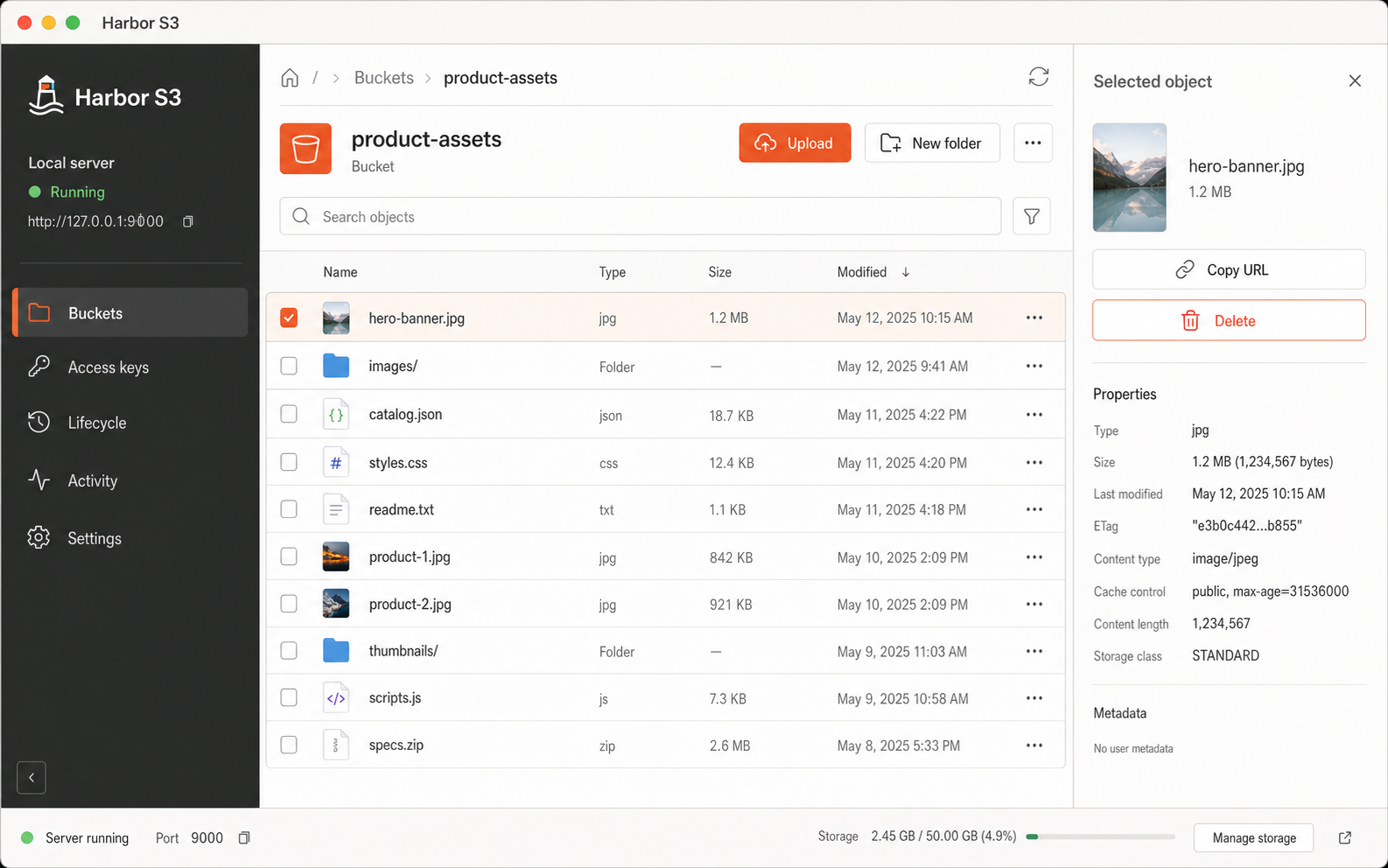
Cloud-shaped development should not require cloud-shaped setup.
Harbor starts an embedded Rust HTTP server on loopback by default. Switch to LAN access only when your test devices need it.
Create buckets and folders, stream files in, download them, inspect metadata, and generate short-lived signed links from one table-first workspace.
Use AWS CLI and path-style S3 SDK clients with Signature V4 credentials stored safely in your macOS Keychain.
Object bytes never leave your Mac. Metadata uses bundled SQLite, secrets use Keychain, and every stored object is mapped to a collision-resistant filesystem path.
Focused on the operations local development reaches for every day, with lifecycle cleanup built into the same app.
One app, one endpoint, and no service stack to babysit.
Download Harbor S3